Do VPNs make you anonymous? What a VPN can and can't hide


TL;DR
- A VPN hides your IP address from websites and your browsing activity from your ISP, but it does not make you anonymous
- VPNs cannot hide cookies, browser fingerprinting, logged-in accounts, or behavioral patterns
- True anonymity requires layering a VPN with other tools like privacy-focused browsers and behavioral discipline
- The level of privacy you need depends on your threat model—from basic protection to high-risk anonymity
- PrivateByRight minimizes data collection by default and supports a layered approach to privacy
What a VPN Does (and Doesn't)
✅ A VPN does: - Hide your IP address from the websites and services you visit - Encrypt your connection, hiding your browsing activity from your ISP - Protect your DNS queries from being monitored (when private DNS is enabled) - Help reduce exposure on public Wi-Fi networks
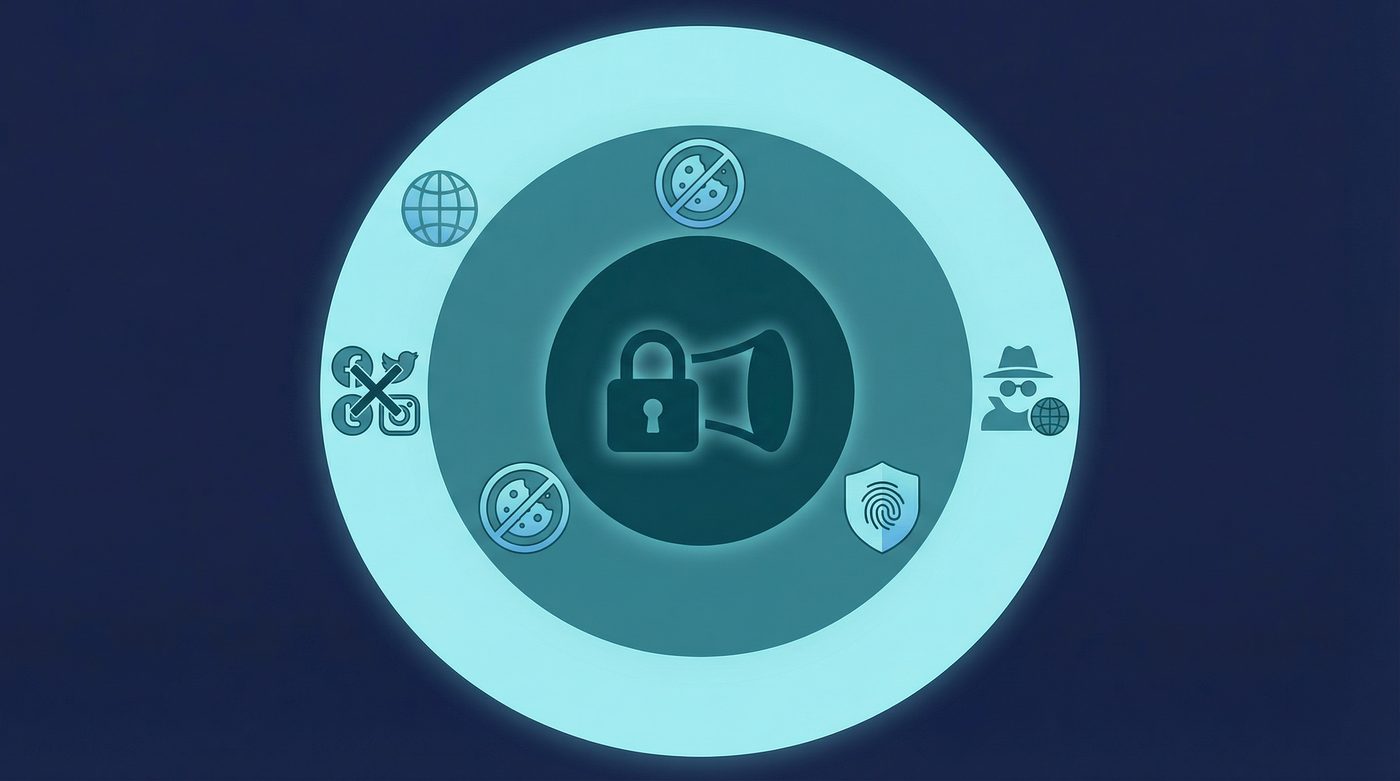
❌ A VPN doesn't: - Make you completely anonymous online - Stop website tracking through cookies or tracking scripts - Prevent browser fingerprinting or device identification - Hide your identity if you are logged into an account (like Google or Facebook)
You've probably seen the ads: "Get a VPN and become completely anonymous online." It's a compelling pitch, but it's fundamentally untrue.
While a VPN is a critical tool for protecting your privacy and securing your connection, it is not a magic cloak of invisibility. If you use a VPN but stay logged into your Google account, accept every tracking cookie, and use a standard browser, you are still highly visible to the companies and trackers that monitor the web.
This guide breaks down exactly what a VPN actually hides, what it leaves exposed, and how to build a realistic privacy setup based on your actual needs. No absolute claims—just the technical reality of online privacy.
What a VPN Actually Hides
When you connect to a VPN, it creates an encrypted tunnel between your device and the VPN server. This fundamentally changes what different observers can see about your online activity.
Your IP Address from Websites
Every device connected to the internet has an IP address—a unique string of numbers that identifies your connection and approximate physical location. When you browse without a VPN, every website you visit can see your real IP address.
When you use a VPN, your traffic is routed through the VPN server before reaching its destination. Websites see the IP address of the VPN server, not your real one. This prevents sites from tying your activity directly to your home connection or physical location.
Your Browsing Activity from Your ISP
Your Internet Service Provider (ISP) provides your connection to the internet. Without a VPN, they can see every website you visit, when you visit it, and how much data you transfer. In many jurisdictions, ISPs are legally allowed to log this data and even sell anonymized versions of it to advertisers.
A VPN encrypts your traffic before it leaves your device. Your ISP can see that you are connected to a VPN server, and they can see the amount of data being transferred, but they cannot see the contents of that data or the websites you are visiting.
Your DNS Queries (With Protection Enabled)
The Domain Name System (DNS) is like the phonebook of the internet—it translates human-readable domain names (like privatebyright.com) into IP addresses. By default, these queries are often sent in plain text to your ISP's DNS servers, revealing every site you try to visit.
A quality VPN routes your DNS queries through the encrypted tunnel to its own private DNS servers. This prevents your ISP or anyone monitoring your local network from seeing which websites you are looking up.
Learn more: Private DNS: why DNS leaks happen and how Private DNS helps
What a VPN Cannot Hide
A VPN protects your connection, but it does not control what happens once your data reaches the website or service you are using. Here is what a VPN cannot protect you from.
Cookies and Tracking Scripts
Cookies are small files stored on your device by websites to remember your preferences or track your activity. Tracking scripts are pieces of code embedded in websites that monitor your behavior across the web.
A VPN changes your IP address, but it does not block cookies or scripts. If you visit a site with a VPN, the site can still drop a tracking cookie on your device. When you visit another site with the same tracker, they can link your activity—even if your IP address has changed.
Learn more: Tracking 101: cookies, pixels, device IDs — and where a VPN fits
Browser Fingerprinting
Browser fingerprinting is a sophisticated tracking technique that identifies you based on the unique characteristics of your device and browser. This includes your screen resolution, installed fonts, operating system, browser version, and even the specific hardware in your device.
Because this combination of attributes is often unique to you, trackers can identify your device with high accuracy, regardless of your IP address. A VPN does nothing to alter your browser fingerprint.
Learn more: Browser fingerprinting: what it is and how to reduce it
Logged-In Accounts
If you log into an account—whether it's Google, Facebook, Amazon, or your bank—that service knows exactly who you are. A VPN hides your IP address, but the moment you authenticate, your identity is confirmed.
Furthermore, if you are logged into a service that tracks you across the web (like Google or Facebook), they can continue to build a profile of your activity, linking it directly to your real identity, regardless of whether you are using a VPN.
Metadata and Behavioral Patterns
Metadata is data about data. It includes information like when you connect, how long you stay connected, how much data you transfer, and the timing of your requests. Even if the content of your communication is encrypted, metadata can reveal a lot about your habits and identity.
Behavioral patterns—such as the specific times of day you are active, the unique combination of sites you visit, or the way you type—can also be used to identify you over time. A VPN encrypts your traffic, but it cannot hide the fundamental patterns of your behavior.
Learn more: Metadata vs content: why who, when, where can matter as much as what
The Anonymity Spectrum
Privacy is not a binary state; it is a spectrum. The level of protection you need depends entirely on your threat model—who you are trying to protect your data from.
Level 1: Basic Privacy (For Most People)
For the average user, the goal is to prevent ISP snooping, secure connections on public Wi-Fi, and reduce casual tracking by advertisers.
At this level, a VPN is highly effective. It stops your ISP from logging your browsing history and protects your data from local network snoops. Combined with basic browser privacy settings (like blocking third-party cookies), this provides a solid baseline of privacy.
Level 2: Strong Privacy (For Journalists and Activists)
Journalists, activists, and researchers often need to protect their identity from more sophisticated adversaries, such as targeted corporate tracking or basic government surveillance.
At this level, a VPN is necessary but not sufficient. You must layer a VPN with privacy-focused browsers (like Brave or Firefox with strict tracking protection), use encrypted messaging apps (like Signal), and practice compartmentalization—using different browsers or profiles for different types of activity to prevent cross-site tracking.
Level 3: High-Risk Anonymity (For Whistleblowers)
Whistleblowers, dissidents in oppressive regimes, and individuals facing state-level adversaries require true anonymity. Their physical safety may depend on their online activity remaining completely untraceable.
At this level, a standard VPN is not enough. High-risk users must rely on tools designed specifically for anonymity, such as the Tor network, which routes traffic through multiple encrypted nodes to obscure its origin. They must also use specialized operating systems (like Tails) and adhere to strict behavioral discipline to avoid leaving any digital footprint.
Learn more: VPN for high-risk users: a safer baseline setup and what a VPN won't fix
How to Layer Privacy Tools
Because a VPN cannot provide anonymity on its own, true privacy requires a layered approach. Here is how to build a robust privacy setup.
1. The Baseline Setup
Start with a reliable VPN to encrypt your connection and hide your IP address. Ensure the VPN has a strict no-logs policy and features like a kill switch and private DNS.
Learn more: No-logs explained: what it means, what to look for, and how we design for it
2. Enhanced Browser Privacy
Switch to a privacy-focused browser that blocks trackers, third-party cookies, and fingerprinting attempts by default. Install an ad blocker like uBlock Origin to further reduce your exposure to tracking scripts.
3. Behavioral Discipline
Your behavior is often the weakest link in your privacy setup. To maximize your privacy: - Do not stay logged into accounts when you don't need to be. - Use different email addresses for different services. - Avoid linking your real identity to your online personas. - Be mindful of the information you share voluntarily on social media and forums.
Common Myths About VPNs and Anonymity
Myth: A VPN makes me invisible to the government. Reality: A VPN encrypts your traffic, making it harder for governments to monitor your activity in real-time. However, if a government agency targets you specifically, they have resources—such as malware, device compromise, or legal demands to other services you use—that a VPN cannot protect against.
Myth: I don't need to worry about cookies if I use a VPN. Reality: Cookies track your browser, not your IP address. A VPN does nothing to stop cookies from tracking your activity across the web.
Myth: Using a VPN means I can't be hacked. Reality: A VPN protects your data in transit, but it does not protect your device from malware, phishing attacks, or vulnerabilities in the software you use.
The PrivateByRight Approach
At PrivateByRight, we believe in being honest about what our tools can and cannot do. We design our systems to provide the strongest possible foundation for your privacy stack, without making false promises of absolute anonymity.
No-logs
We do not log your browsing history, connection timestamps, or IP addresses. Our systems are designed to minimize data collection by default, and our no-logs policy is designed to be audited by independent third parties.
Private DNS
We route all your DNS queries through our own encrypted DNS servers, ensuring that your ISP cannot see which websites you are visiting.
Transparency + Impact
We are clear about our practices and publish regular updates in our Transparency Hub. We also dedicate a portion of every subscription to supporting privacy and human-rights initiatives, helping to build a more secure internet for everyone.
Privacy is a stack, and a VPN is just one layer. We provide a secure, reliable foundation so you can build the privacy setup that meets your needs.
FAQs
Does a VPN hide my activity from my employer?
If you are using a personal device on your employer's Wi-Fi network, a VPN will hide your browsing activity from the network administrator. However, if you are using a company-owned device, your employer likely has monitoring software installed that can see everything you do, regardless of whether you use a VPN.
Can I be tracked if I use a VPN and incognito mode?
Yes. Incognito mode only prevents your browser from saving your history and cookies locally after you close the window. It does not stop websites from tracking you while the window is open, nor does it prevent browser fingerprinting.
Should I use Tor instead of a VPN?
It depends on your threat model. Tor provides a much higher level of anonymity by routing your traffic through multiple nodes, but it is significantly slower and some websites block Tor exit nodes. A VPN is better for general privacy, streaming, and everyday browsing.
Learn more: VPN vs proxy vs Tor: what to use for which situation
Does a VPN hide my location?
A VPN hides your real IP address and replaces it with the IP address of the VPN server, which changes your apparent location to websites. However, if you give a website or app permission to access your device's GPS location, a VPN cannot hide that.
How do I know if my VPN is leaking my real IP?
You can use online tools to check for IP, DNS, and WebRTC leaks. A reliable VPN should include built-in leak protection to ensure your real IP address is never exposed.
Learn more: VPN leaks explained: DNS, IPv6, and WebRTC, and how to check yours
Sources & Further Reading
- Electronic Frontier Foundation (EFF). (2023). "Cover Your Tracks: How Trackers See Your Browser."
- Mozilla Foundation. (2024). "The State of Browser Privacy and Fingerprinting."
- National Institute of Standards and Technology (NIST). (2022). "Guide to Enterprise Telework, Remote Access, and Bring Your Own Device (BYOD) Security."
- Center for Democracy & Technology. (2023). "Understanding the Limits of VPNs in Protecting User Privacy."
- Privacy International. (2024). "A Guide to Threat Modeling for Activists and Journalists."
Related Guides
- Learn more: What is a VPN? How it works and what it does (in plain English)
- Learn more: No-logs explained: what it means, what to look for, and how we design for it
- Learn more: Private DNS: why DNS leaks happen and how Private DNS helps
- Learn more: Browser fingerprinting: what it is and how to reduce it
- Learn more: Tracking 101: cookies, pixels, device IDs — and where a VPN fits
- Learn more: Metadata vs content: why who, when, where can matter as much as what
- Learn more: VPN for high-risk users: a safer baseline setup and what a VPN won't fix
- Learn more: VPN vs proxy vs Tor: what to use for which situation
- Learn more: VPN leaks explained: DNS, IPv6, and WebRTC, and how to check yours